
TiviMate vs IPTV Smarters Pro: Which IPTV Player is Best for USA Users (2026)?
In the North American streaming arena, two applications tower above the rest: TiviMate and IPTV Smarters Pro. While both connect to Xtream Codes and M3U playlists, they are built on fundamentally divergent software architectures. This definitive guide compares their user interface fluidity, multi-view sports capabilities, EPG engines, and operating system support.
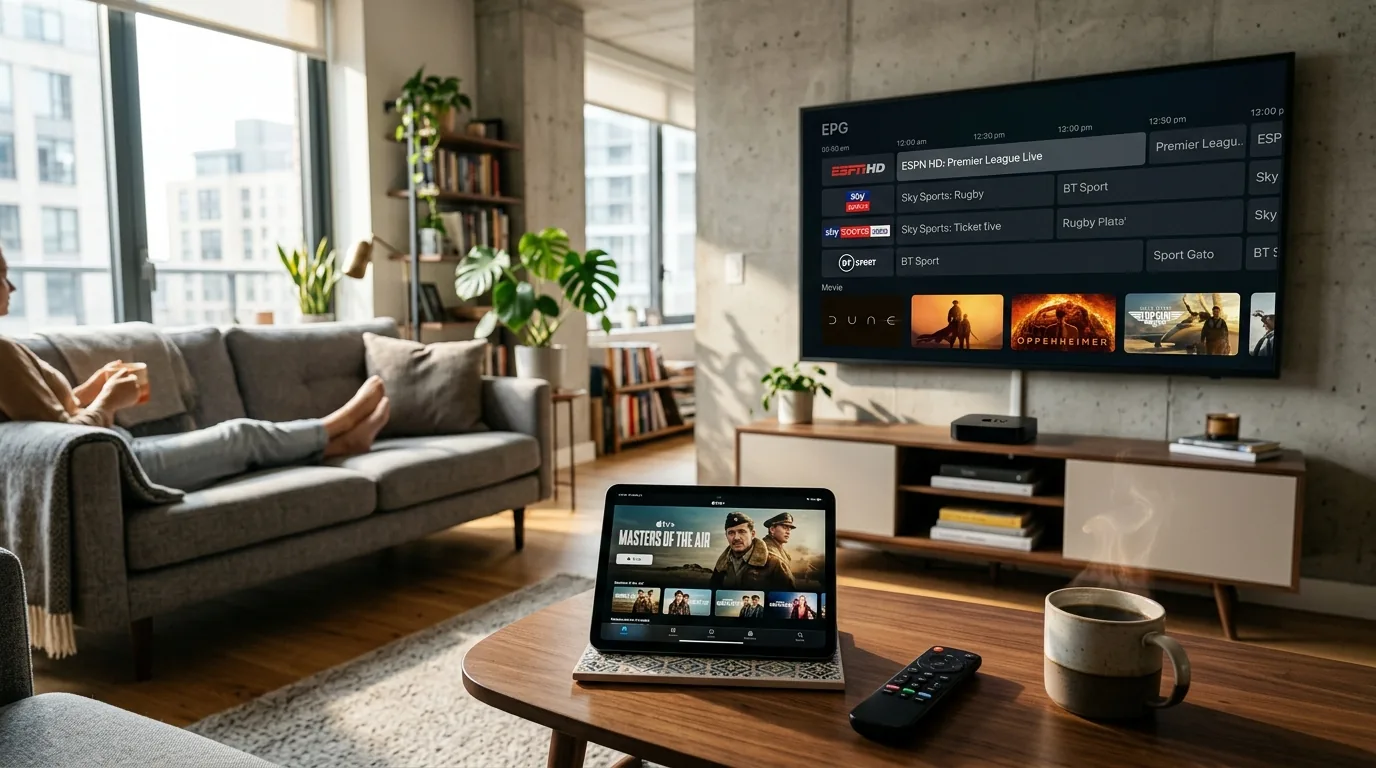
For living room TV viewing on an Amazon Firestick, Nvidia Shield, or Google TV, TiviMate is the clear champion due to its authentic cable-grade EPG grid, sub-second channel switching, 9-screen multi-view, and zero-drop ExoPlayer 2 decoding. For multi-device households requiring native playback on iPhone, iPad, Windows, macOS, or Samsung/LG Smart TVs, IPTV Smarters Pro is the recommended choice due to its universal cross-platform availability.
Software Architecture: Leanback TV vs. Cross-Platform Frameworks
To understand why these players feel so different in daily use, one must examine their underlying codebases. TiviMate was written from scratch in Kotlin specifically for the Google Android TV Leanback SDK. It adheres strictly to Android TV Application Quality Guidelines. Every user interaction is calibrated for a handheld remote directional pad (D-Pad), with zero pointer or touch artifacts.
IPTV Smarters Pro, in contrast, was designed as a universal client utilizing a cross-platform framework. This allows developer WHMCSSmarters to maintain builds across Apple iOS, Android, webOS, and desktop operating systems from a unified code repository. While this delivers unmatched flexibility, its TV interface relies on larger mobile-style category blocks rather than a dense, continuous broadcast grid.
Exhaustive Technical Comparison: TiviMate vs. IPTV Smarters Pro
A granular, feature-by-feature evaluation tested on gigabit fiber with 4K 60FPS sports feeds:
| Capability / Dimension | TiviMate IPTV Player (v4.7+) | IPTV Smarters Pro (v3.1+) | Engineering Verdict |
|---|---|---|---|
| Supported OS Platforms | Android TV, Fire OS exclusively | iOS, iPadOS, tvOS, Windows, macOS, Tizen, webOS | IPTV Smarters Pro |
| Electronic Program Guide (EPG) | Cable-grade timeline grid with background live audio | Linear channel list with static program details | TiviMate (Superior) |
| Multi-Screen Multi-View | Up to 9 simultaneous streams (configurable 2x2, 3x3) | Up to 4 screens (fixed quadrant layout) | TiviMate |
| Channel Zapping Latency | < 0.6 seconds with pre-buffering | 1.8 to 2.5 seconds | TiviMate |
| Video Playback Engine | Google ExoPlayer 2 (Tunneled Hardware) | VLC Engine / ExoPlayer / Native AVFoundation | Tie (Both Strong) |
| DVR Background Recording | Scheduled series recording to USB or SMB network share | Manual one-click recording (App must stay open) | TiviMate |
| Buffer Window Adjustment | None, Small, Medium, Large (Up to 10 seconds) | Fixed 1-second system buffer (No slider) | TiviMate |
| Pricing & Licensing | $10.99/year or $34.99 Lifetime (5 devices) | 100% Free Core App (Ad-supported) | IPTV Smarters Pro |
Why TiviMate is the King of Living Room TVs
When you hand a Firestick remote to a family member who is accustomed to traditional Comcast Xfinity or DirecTV set-top boxes, TiviMate produces zero learning curve. Its full-screen timeline guide presents 8 to 12 channels simultaneously with real-time progress bars, program synopses, and channel logos.
Background Live Audio
While browsing the 55,782+ channel guide or adjusting display settings, the audio of your current channel continues playing seamlessly in the background without stutter.
Multi-Screen Sports Grid
On NFL Sundays, college football Saturdays, or Champions League matchdays, you can tile 4 games on a single screen. Tapping your remote D-pad toggles the active audio stream instantly.
To set it up on your hardware, follow our walkthrough on How to Setup IPTV on Firestick in USA: Complete Step-by-Step Guide.
Where IPTV Smarters Pro Dominates: Mobile & Apple Ecosystem
The greatest technical limitation of TiviMate is its exclusivity to Android TV and Fire OS. For the millions of Americans who own an iPhone, iPad, MacBook, or Samsung Smart TV, TiviMate simply does not exist.
IPTV Smarters Pro fills this void magnificently. By integrating the open-source VideoLAN (libVLC) multimedia framework, Smarters decodes any video container (MPEG-TS, HLS, MP4, MKV) across Apple iOS and desktop systems with hardware-accelerated battery efficiency.
Ideal Scenarios for IPTV Smarters Pro:
- iPhone & iPad Viewers: Direct one-tap installation from the Apple App Store with full Touch ID / Face ID lock protection.
- Workstation Streaming: Watch live financial news or sports on a second monitor via the native Windows or macOS client.
- Zero-Hardware Smart TVs: Downloadable on Samsung Tizen and LG webOS app stores, requiring no external HDMI dongle.
- Parental Controls: Built-in PIN locking for mature channel categories and VOD library genres.
The Verdict: Which Player Should You Choose?
• You primarily watch on an Amazon Firestick 4K or Android TV.
• You want a genuine cable-box TV guide with instant zapping.
• You watch multiple live sports games simultaneously.
• You want to record live TV to USB or home network storage.
• You stream on an iPhone, iPad, Apple TV, Mac, or PC.
• You want to watch on a Samsung or LG Smart TV without a stick.
• You want a 100% free player with zero subscription fees.
• You watch VOD movies and TV series on mobile devices.
Frequently Asked Questions
Is TiviMate objectively better than IPTV Smarters Pro?
For living room television screens (Amazon Firestick, Nvidia Shield, Google TV, Android TV), TiviMate is objectively superior. Its genuine cable-like EPG grid, instant sub-second channel zapping, 4K multi-screen grid, and automated DVR capabilities provide an authentic set-top box feel. However, IPTV Smarters Pro wins decisively for multi-device households because it runs natively on iPhones, iPads, Mac, Windows, and Smart TVs where TiviMate cannot be installed.
Can I install TiviMate on an Apple TV, iPhone, or iPad?
No. TiviMate is compiled exclusively for Android TV and Amazon Fire OS. The developer has confirmed there is no iOS or tvOS build. Apple ecosystem users should use IPTV Smarters Pro, GSE Smart IPTV, or UHF Player as their primary client.
Is TiviMate Premium worth purchasing in 2026?
Yes, absolutely. At approximately $10.99 per year or $34.99 for a one-time lifetime license covering 5 concurrent devices, TiviMate Premium unlocks multi-view (watching 4 to 9 sports games at once), scheduled background DVR recording, custom EPG channel ordering, and buffer cache sizing that transforms your viewing reliability.
How does IPTV Smarters Pro handle Xtream Codes API?
IPTV Smarters Pro offers seamless native integration with Xtream Codes API. You simply select "Login with Xtream Codes API", input Any Name, your Server URL, Username, and Password. It automatically separates Live TV, Movies (VOD), and Series into organized categories with cover art.
Which player buffers less during live NFL, NBA, and UFC events?
TiviMate exhibits significantly fewer buffer interruptions. Unlike Smarters, TiviMate allows users to configure a custom playback buffer window (Small, Medium, or Large up to 10 seconds) and utilizes Google’s hardware-accelerated ExoPlayer 2 framework with zero GPU frame drops.
Can I use both players on the same IPTV subscription?
Yes. If your subscription plan includes 2 or more device connections (or if you stream at different times on a 1-connection plan), you can install TiviMate on your living room Firestick and IPTV Smarters Pro on your iPhone or laptop using the exact same Xtream Codes login credentials.
Ready to Upgrade Your TV Experience?
Enjoy smooth IPTV streaming on all your devices with fast setup and reliable performance.