
How to Setup IPTV on Firestick in USA (2026): Complete Step-by-Step Guide
The Amazon Fire TV Stick remains the most versatile, cost-effective digital media player in North America. This exhaustive guide provides the complete engineering blueprint for configuring your Firestick with Downloader, sideloading the industry-standard TiviMate IPTV player, and connecting private Anti-Freeze 9.8™ high-speed servers for flawless 4K live sports.
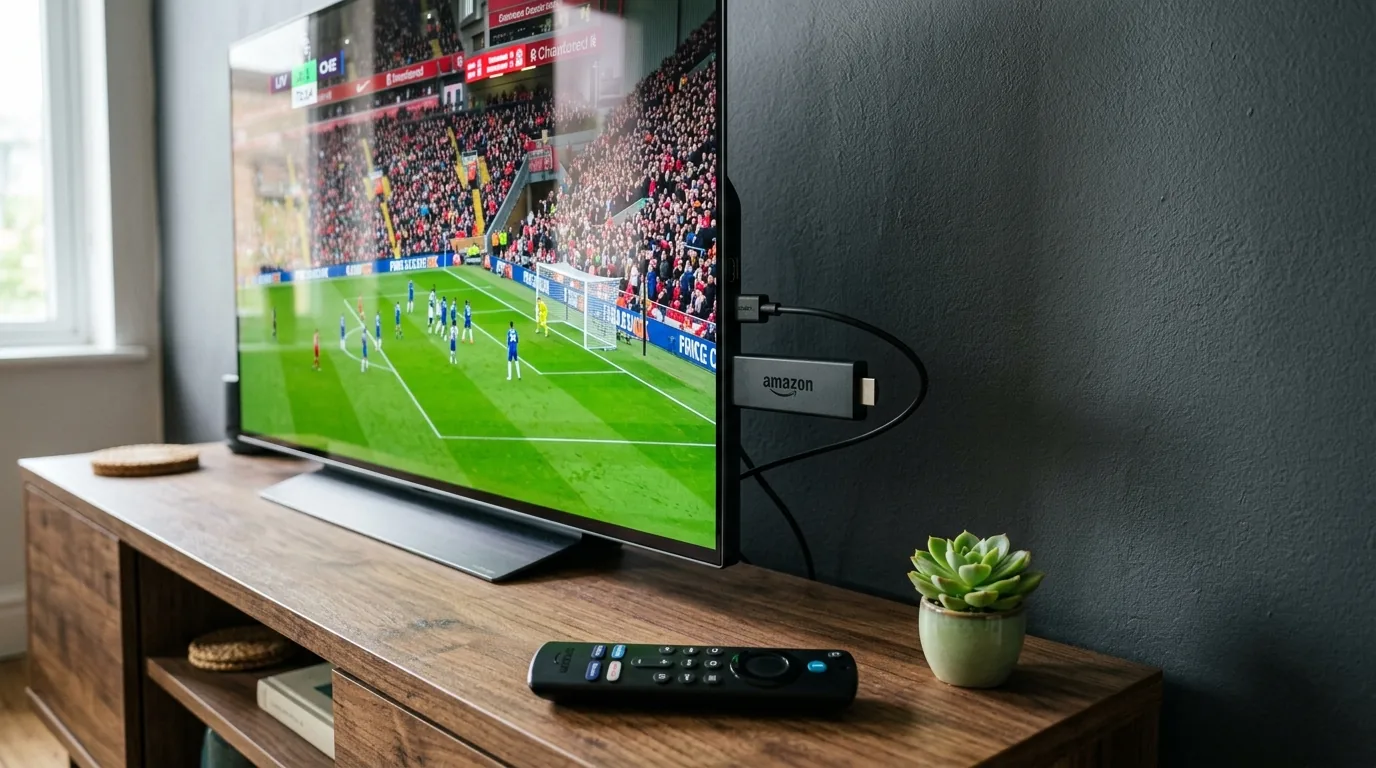
To setup IPTV on Amazon Firestick in the United States in 2026: (1) Install the free Downloader app from the Amazon Appstore; (2) Unlock Developer Options by clicking your Fire TV Stick name 7 times under About; (3) Enable Install Unknown Apps for Downloader; (4) Enter shortcode 272483 to sideload TiviMate IPTV Player; and (5) Add your Xtream Codes API credentials (Server URL, Username, and Password) provided by your subscription. The entire process requires under 4 minutes with zero technical background.
Why the Amazon Firestick Dominates American Cord-Cutting
As traditional US cable subscriptions climb past $160 per month, the Amazon Fire TV family has captured over 40% of the domestic streaming device market. Built on an Android open-source foundation (Fire OS), Amazon devices combine commercial accessibility with an open sandbox that allows consumers to install third-party video decoders.
Unlike proprietary, walled-garden ecosystems like Roku OS or Apple tvOS—which prohibit sideloading and restrict user media access—Fire OS allows users to toggle developer mode pursuant to official Amazon Developer Fire TV guidelines. This gives American viewers the freedom to run custom player software that supports hardware-accelerated H.265/HEVC decoders, multi-screen grids, and local DVR recording.
Amazon Fire TV Hardware Benchmark & IPTV Compatibility Matrix
Not every Firestick model performs equally when decoding live 4K 60FPS sports feeds. Here is how current retail models compare across processing power, RAM, wireless networking, and channel zapping speeds:
| Fire TV Model | CPU & RAM | Wi-Fi Tech | 4K 60FPS Stability | Zapping Speed | Overall Verdict |
|---|---|---|---|---|---|
| Fire TV Stick Lite | Quad 1.7 GHz / 1 GB | Wi-Fi 5 (ac) | 1080p Only (No 4K) | 2.4 seconds | Budget bedroom TV only |
| Fire TV Stick 4K (Standard) | Quad 1.7 GHz / 1.5 GB | Wi-Fi 6 | Solid 4K UHD | 1.2 seconds | Good entry 4K player |
| Fire TV Stick 4K Max (Gen 2) ★ | Quad 2.0 GHz / 2 GB / 16GB | Wi-Fi 6E Tri-Band | Flawless 4K 60FPS HDR | < 0.7 seconds | Top Choice for US Homes |
| Fire TV Cube (3rd Gen) | Octa-Core / 2 GB / 16GB | Wi-Fi 6E + Ethernet | Studio Master (Fastest) | < 0.5 seconds | Ultimate home theater rig |
Step-by-Step Installation: Zero to Live TV in 4 Minutes
Install Downloader from the Amazon Appstore
Power on your Firestick and navigate to the Find (Magnifying Glass) icon on the main navigation bar. Type Downloader into the search box. Select the official orange tile created by developer AFTVnews (Elias Saba). Click Get or Download. Wait 15 seconds for the app to install.
Unlock Developer Options on Fire OS 7 & Fire OS 8
To allow Downloader to install media player packages, enable sideloading permissions:
- Open Settings (Gear Icon) on the far right of your Firestick home screen.
- Select My Fire TV.
- If Developer Options is visible, click it. If not visible: click About, highlight the very top entry (e.g., Fire TV Stick 4K Max), and press the remote center button 7 times consecutively. A prompt will confirm: "You are now a developer."
- Return one screen, click Developer Options, select Install Unknown Apps, and toggle Downloader to ON.
Sideload TiviMate IPTV Player (Code: 272483)
Launch Downloader from your apps screen. When asked to grant file access, click Allow. On the main Downloader home screen, click the URL bar, enter the verified numeric code 272483, and click Go.
Downloader will automatically connect to the official APK repository for TiviMate IPTV Player, download the 15 MB installer, and present an installation window. Click Install, then click Done. Select Delete on the subsequent Downloader prompt to remove the installer APK and save internal Firestick storage.
Connect Your Xtream Codes Subscription Credentials
Open TiviMate from your apps library. Click Add Playlist and select Xtream Codes. Enter the credentials delivered upon ordering your BestIPTV US Subscription or requesting a 24-Hour Free Trial:
Click Next. TiviMate will immediately establish an encrypted handshake with the anti-freeze server cluster, download the 55,782+ live channel database, map the electronic program guide (EPG), and take you directly to live TV.
5 Pro Tweaks for Zero Buffering on US Residential Connections
Once TiviMate is running, configure these 5 critical settings to optimize stream transport over Comcast Xfinity, Spectrum, AT&T Fiber, or Verizon Fios:
1. Buffer Size: Set to Medium
Go to Settings > Playback > Buffer Size. Change from None to Medium (5 seconds). This creates a packet cache that absorbs temporary Wi-Fi jitter during Sunday NFL football.
2. Video Decoder: Hardware
In Settings > Playback > Video Decoder, verify that Hardware is selected. This directs HEVC/H.265 decompression to the Firestick GPU, preventing processor thermal lockup.
3. Auto Frame Rate (AFR)
Turn on Auto Frame Rate (AFR) under Playback. Your TV will automatically synchronize its refresh rate to 60.00 Hz for American sports and 24.00 Hz for cinema films.
4. Audio Passthrough
Enable Audio Passthrough under Playback > Audio if you use a soundbar or A/V receiver to enjoy native uncompressed Dolby Digital 5.1 surround sound.
Experiencing unexpected stream stuttering despite having fast internet? Read our in-depth diagnosis guide on How to Fix IPTV Buffering & Freezing in the USA: 7 Proven Engineering Fixes.
Continue Building Your Cord-Cutting Setup:
Frequently Asked Questions
Do I need a computer or USB drive to install IPTV on an Amazon Firestick?
No. The entire installation is performed directly on your television using the official Downloader utility app available in the native Amazon Appstore. You do not need a computer, USB drive, OTG cable, or rooting tools.
Which Amazon Firestick model delivers the best IPTV performance in 2026?
The Amazon Fire TV Stick 4K Max (2nd Gen) and Fire TV Cube (3rd Gen) are the undisputed winners. With quad-core 2.0 GHz processors, 2 GB of RAM, 16 GB of onboard storage, and Wi-Fi 6E tri-band support, they eliminate UI lag, channel zapping latency, and buffer drops during live 60FPS sports broadcasts.
What is the official Downloader shortcode for TiviMate?
The official numeric shortcode for TiviMate in the Downloader app is 272483 (which redirects to tivimate.com). Always verify that the download source is genuine to protect your streaming hardware from counterfeit or infected clone applications.
Why does "Developer Options" not appear in my Firestick settings?
On modern Fire OS 7 and Fire OS 8 updates, Amazon hid Developer Options by default. To unlock it, navigate to Settings > My Fire TV > About, highlight your Fire TV Stick name, and click the center Select button on your remote 7 times consecutively until you see the banner: "No need, you are already a developer."
Is it better to connect via Xtream Codes API or an M3U Playlist URL?
Xtream Codes API is vastly superior. Instead of typing a fragile 100-character URL, Xtream Codes requires only three fields: Server URL, Username, and Password. It dynamically syncs channel categories, automatically maps EPG guide data, and enables high-speed VOD metadata fetching.
Can I record live TV shows on Firestick using TiviMate?
Yes. TiviMate Premium includes full DVR recording capabilities. Because internal Firestick storage is limited (8GB to 16GB), you can configure TiviMate to save scheduled recordings directly to a local network-attached storage (NAS) folder or a USB flash drive via an OTG adapter.
Will my Firestick overheat when streaming 4K IPTV for hours?
Standard Firesticks running software decoding can experience thermal throttling during long sports marathons. To prevent overheating, ensure your IPTV player uses Hardware (ExoPlayer) decoding, plug your Firestick into the included HDMI extender away from the back of the TV panel, and power it via the wall outlet adapter rather than low-voltage TV USB ports.
Ready to Upgrade Your TV Experience?
Enjoy smooth IPTV streaming on all your devices with fast setup and reliable performance.